
Works25 has introduced a WhatsApp Business API Chat Monitoring Module integrated into its point-of-sale system. This tool centralizes customer communication, allowing teams to manage messages from a single dashboard. An AI assistant automates responses for order status and general inquiries, ensuring rapid support and consistent lead engagement.
The module adheres to official Meta standards to ensure account security and supports media sharing and template dispatching. Businesses can track support windows and provide real-time updates directly through WhatsApp. This integration aims to streamline operations while enhancing the customer experience through professional, automated communication.
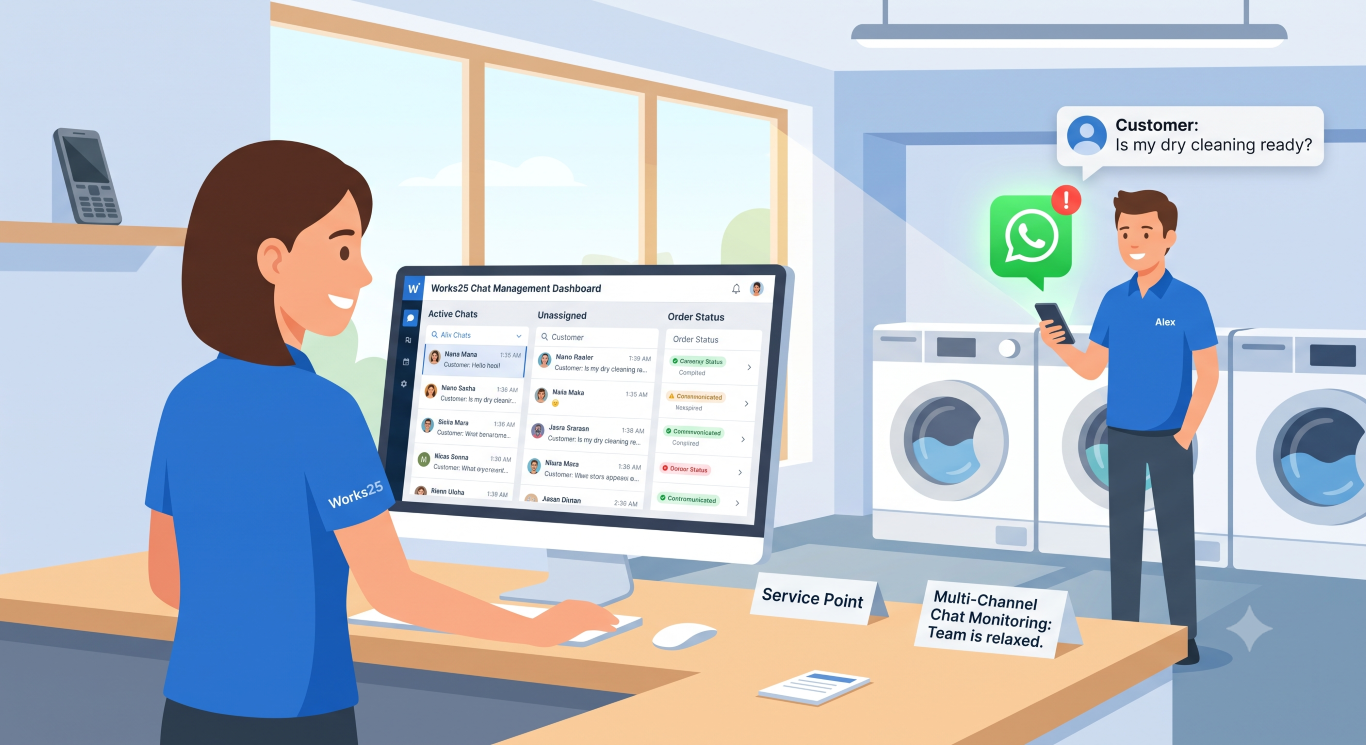
As your business scales, managing customer inquiries across personal phones or scattered devices quickly becomes a bottleneck. You cannot afford to lose sales, miss inquiries, or frustrate customers because a shop phone was misplaced or busy.
To solve this, we are thrilled to announce a major expansion to the Works25 ecosystem: the WhatsApp Business API (WABA) & Chat Monitoring Module.
Built directly into your POS, this new module turns your WhatsApp communication into a centralized, automated sales engine, allowing you and your staff to focus on operations rather than hunting down unread messages.
Real-World Applications for Your Business
We designed this module to solve the everyday operational headaches that service-based businesses face. Here is how it works on the ground:
1. Instant Customer Support via AI
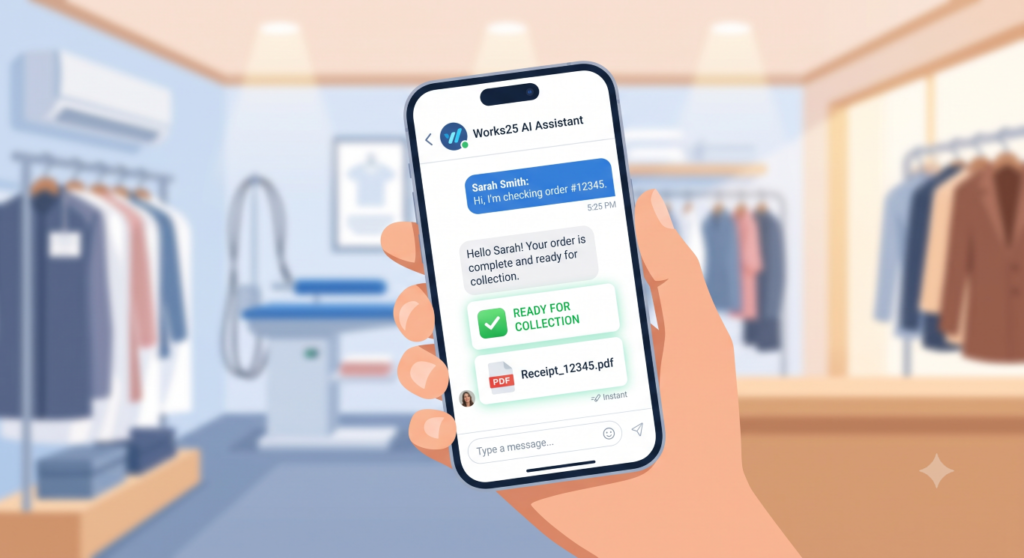
When a customer texts your WhatsApp asking, “Is my latest order ready?”, they expect an immediate reply. Instead of making them wait while your staff checks the racks or the system, the integrated Works25 AI Assistant instantly fetches their real-time order status and replies automatically. It is fast, accurate, and provides a frictionless customer experience.
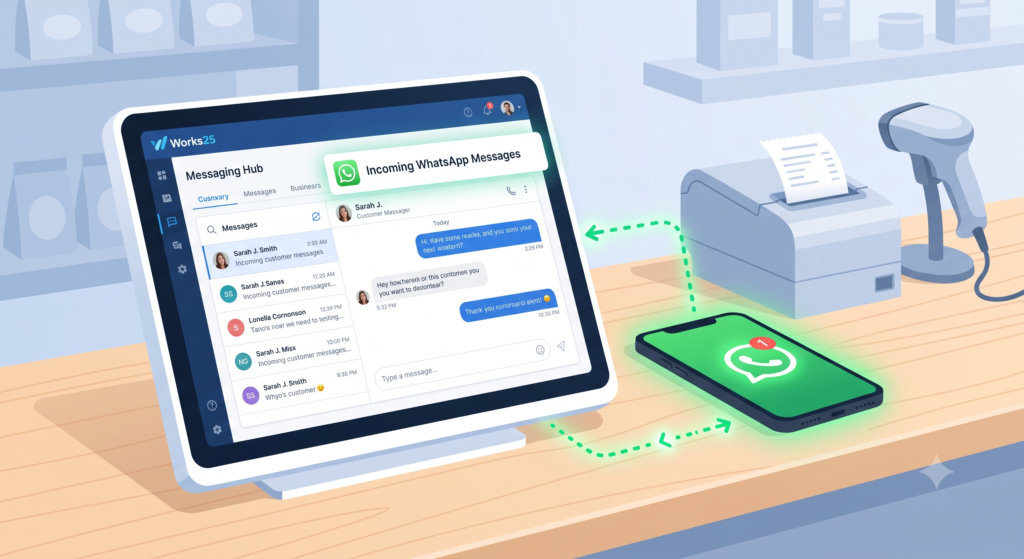
2. Instant Lead Capture and Service
When a new potential customer sends a message asking for your price list or operating hours, you can’t afford a delay. The AI Assistant acts as your first line of response, answering common inquiries instantly. It keeps the prospect engaged and satisfied until a human admin is ready to take over the conversation seamlessly, ensuring no lead goes cold during peak hours.
3. No More WhatsApp Bans
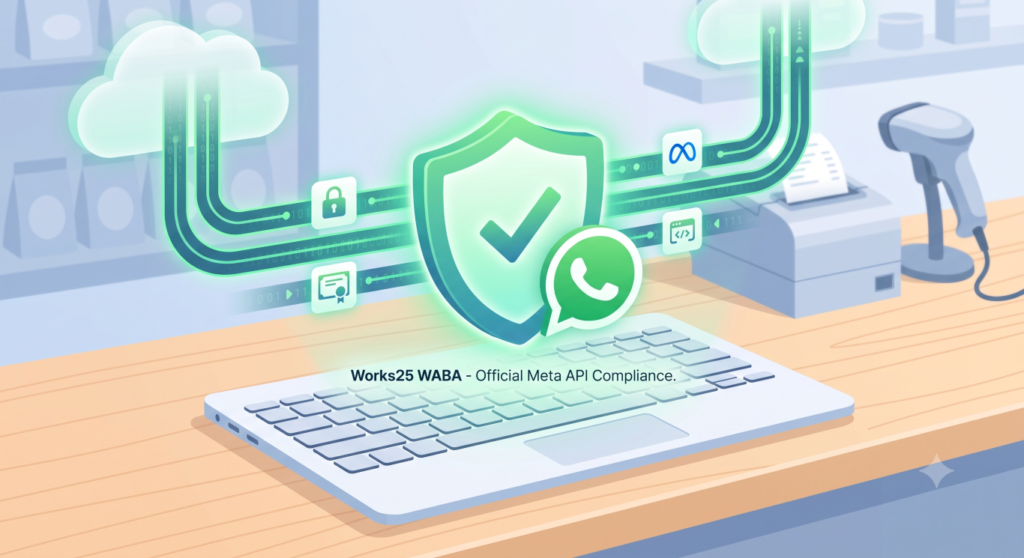
Many businesses rely on third-party, unofficial WhatsApp blasters that frequently lead to their business numbers getting permanently banned. Because our new module is built strictly on the official Meta WhatsApp Business API (WABA), your account is fully compliant, verified, and secure. You can confidently message your customers without the fear of losing your most important communication channel.
Core System Features
This isn’t just a simple chat window; it is a fully integrated communication hub.
- Multi-Channel Chat Monitoring: Your entire team can view, manage, and reply to WhatsApp conversations directly from the Works25 dashboard. No more passing a single shop phone around the counter. Everyone stays on the same page.
- Intelligent Support Tracking: The system automatically logs the local timestamps of incoming texts. This helps you track your 24-hour support windows, ensuring no customer inquiry slips through the cracks and your response times remain top-tier.
- Rich Media Management: Seamlessly handle incoming and outgoing images, videos, audio, and PDF documents.
- Template Dispatching: Send standardized, Meta-approved templates for order updates, delivery notifications, and payment reminders instantly.
The Customer Experience
Ultimately, your customers don’t want to download a new app or log into a clunky web portal. They want real-time order updates, digital receipts, and quick answers directly on the app they already use every day: WhatsApp.
By providing a seamless, instant communication channel, you elevate your brand’s professionalism and keep your customers coming back.
Ready to automate your communication? Head over to your Works25 dashboard today to explore the new WABA configurations, or contact our support team to learn how to activate this module for your branches.
For existing Works25 user, go to Settings > Integration to start!