
What’s New — 31 August to 5 September 2026
Here’s what we’ve added over the last few days.
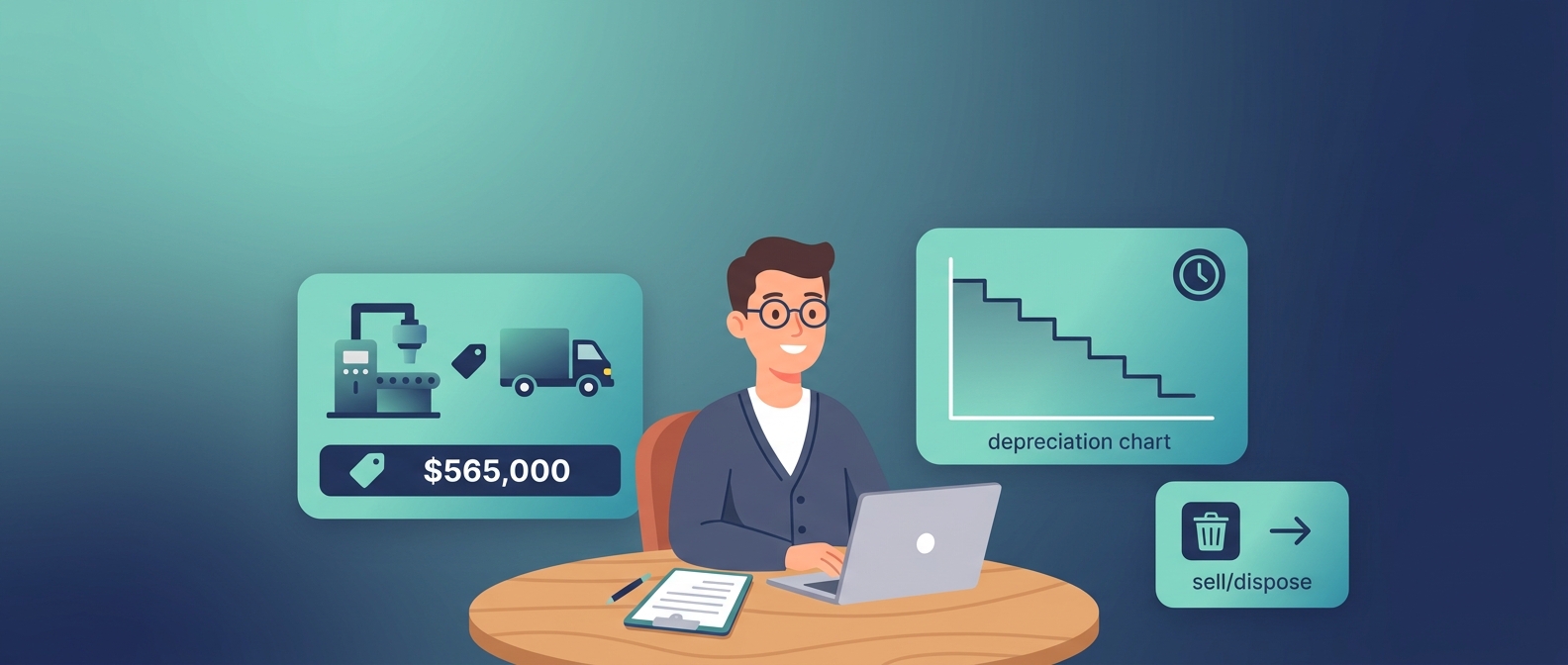
1. Fixed Assets & Depreciation Accounting (new)
Track the machines, vehicles and equipment your business owns — and let Works25 manage their depreciation.
- Assets Management — register each asset with its cost, useful life (1–5 years) and photos. Works25 automatically builds a straight-line depreciation schedule and shows key figures at a glance: Total Cost, Accumulated Depreciation, and Net Book Value.
- Depreciation in one click — open an asset’s schedule and post the next month (or all due months) straight to your accounts.
- Sell or dispose — when you sell or write off an asset, Works25 works out the gain or loss for you.
- Printable report — a letterhead-branded Fixed Asset report (Print / PDF) showing the schedule, linked transactions and photos.
- Link to your books — connect an asset to purchases, invoices, expenses or transfers to see its full financial picture per account.
- Permissions — control who can add, edit, sell or delete assets.
- Learn it fast — new bilingual (Malay / English) guided tutorials. Find it under Accounting → Assets Management.
2. Connect Works25 to your own tools
New developer options let you build your own automations: create and search orders and customer profiles from outside apps, update order statuses, and add addresses — all through the Works25 API/MCP.
3. Smarter AI website editing
- When you edit an AI-generated website section, you can now change only the part you want instead of regenerating the whole page.
- The Website Designer lets you upload background patterns and control how they repeat, tile, size and offset.
4. A faster, cheaper AI model
The AI Sales Assistant and Admin Copilot now include a new model (DeepSeek V4 Flash Vision) — vision-capable and lower cost — selectable from the model list.
5. Tidier invoices
Deleting a bill now clears its invoice reference, so linked delivery orders don’t keep a stale invoice number.