
Meet WABA AI: Turn Your WhatsApp into a 24/7 Sales Engine & Pocket Business Admin
As a laundry or service business operator, your customer communication is the lifeblood of your daily revenue. However, managing inquiries manually across counter phones or personal devices often leads to delayed replies, missed night-time orders, and endless repetitive questions like “Baju saya dah siap ke?”
To solve this, we are introducing WABA AI in Works25—an intelligent assistant powered directly by the official Meta WhatsApp Business API (WABA) and fully integrated with your live store data.
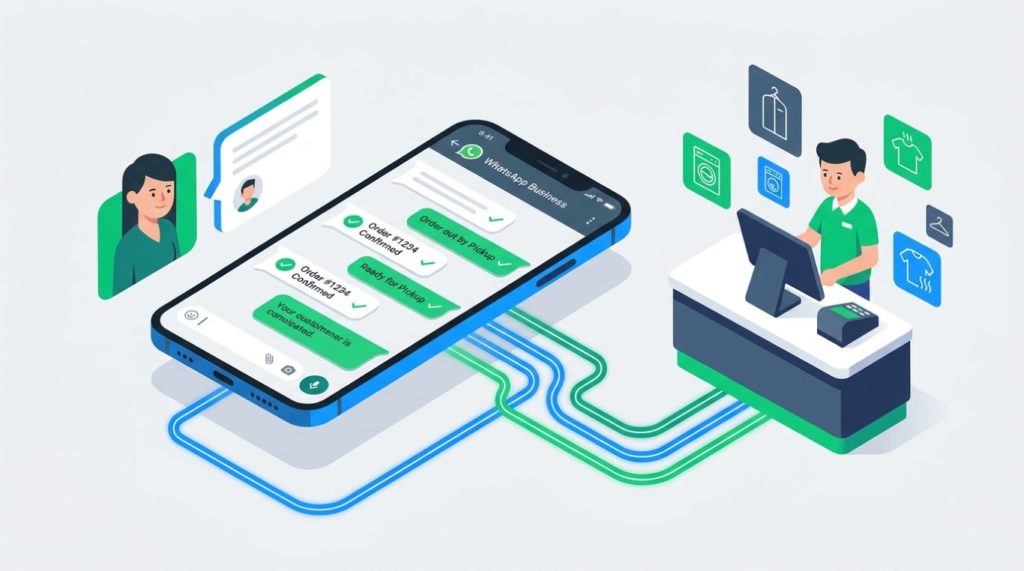
What Makes WABA AI Different?
Unlike basic chatbots that rely on static, generic scripts, WABA AI is connected directly to your Works25 store database. It looks up real-time information to answer customer questions accurately and securely.
1. Front-of-House: 24/7 Customer Sales & Support
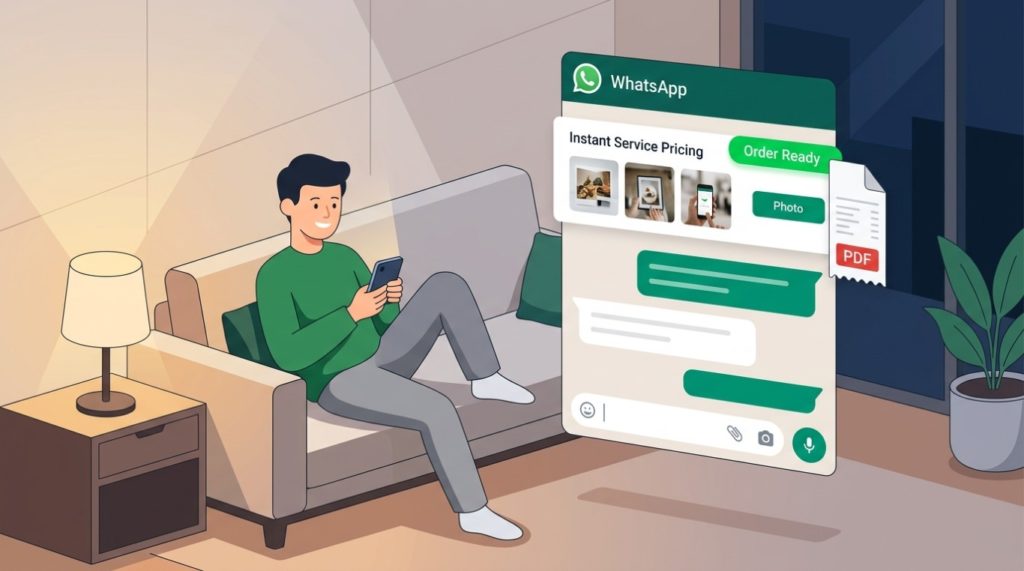
- Smart Catalog & Instant Pricing: When customers ask about pricing, options, or add-ons, WABA AI searches your active price list, attaches photos, and sends direct online order checkout links.
- Automated Order Tracking: Customers can check the exact status of their items (Received, In-Progress, Done, Delivered) using their phone number, complete with links to digital collection receipts.
- Unpaid Balance Inquiries: Customers can request an itemized breakdown of their outstanding invoices, reducing the need for awkward manual payment reminders.
2. Back-of-House: On-Demand Pocket Admin for Owners & Staff
- Live Financial Summaries: Need to check today’s figures while on the road? Send a quick WhatsApp prompt to your bot to retrieve instant cash flow summaries, expense breakdowns, or outstanding supplier balances.
- WhatsApp Receipt Scanner: Snap a photo of a vendor purchase or utility receipt and send it to your WhatsApp bot. The receipt is automatically uploaded into your Works25 accounting queue (
uploaded_bills) for OCR scanning and processing. - Human-in-the-Loop Control: Your team can monitor live conversations in the Chat Monitoring dashboard. Staff can take over a chat at any moment or send inline admin instructions to guide the AI’s next reply within the 24-hour service window.


Built on Official, Secure Infrastructure
WABA AI runs strictly on official Meta Cloud API protocols with multi-tenant signature verification. This ensures that your business number is verified, compliant, and protected against the permanent number bans associated with unofficial third-party blasters.
How to Get Started
Setting up WABA AI takes only a few minutes from your Works25 portal:
- Log into your Works25 Admin Dashboard.
- Navigate to Settings → Integration (or ask the in-app AI Assistant).
- Connect your Facebook Account and Business Portfolio. If you have no business portfolio set up, you can create it on the spot!.
- Set your AI Assistant preferences in Settings > AI Tuning.
Once connected, your store will immediately begin handling customer inquiries automatically around the clock.
Need help setting up your Meta WhatsApp Business API credentials? Refer to the interactive tutorial in your Works25 Help Guide or contact our support team.